
Internet Failover & Business Continuity
PMX helps organizations stay connected when the primary internet connection goes down, keeping critical systems like phones, payments, cloud apps, cameras, and staff devices online.
Stay connected
Internet Outages Should Not Stop Your Organization
When internet service fails, phones, email, payments, cloud apps, livestreaming, cameras, and daily work can be interrupted. PMX helps design practical failover solutions that automatically switch to a backup connection when the primary internet has trouble.
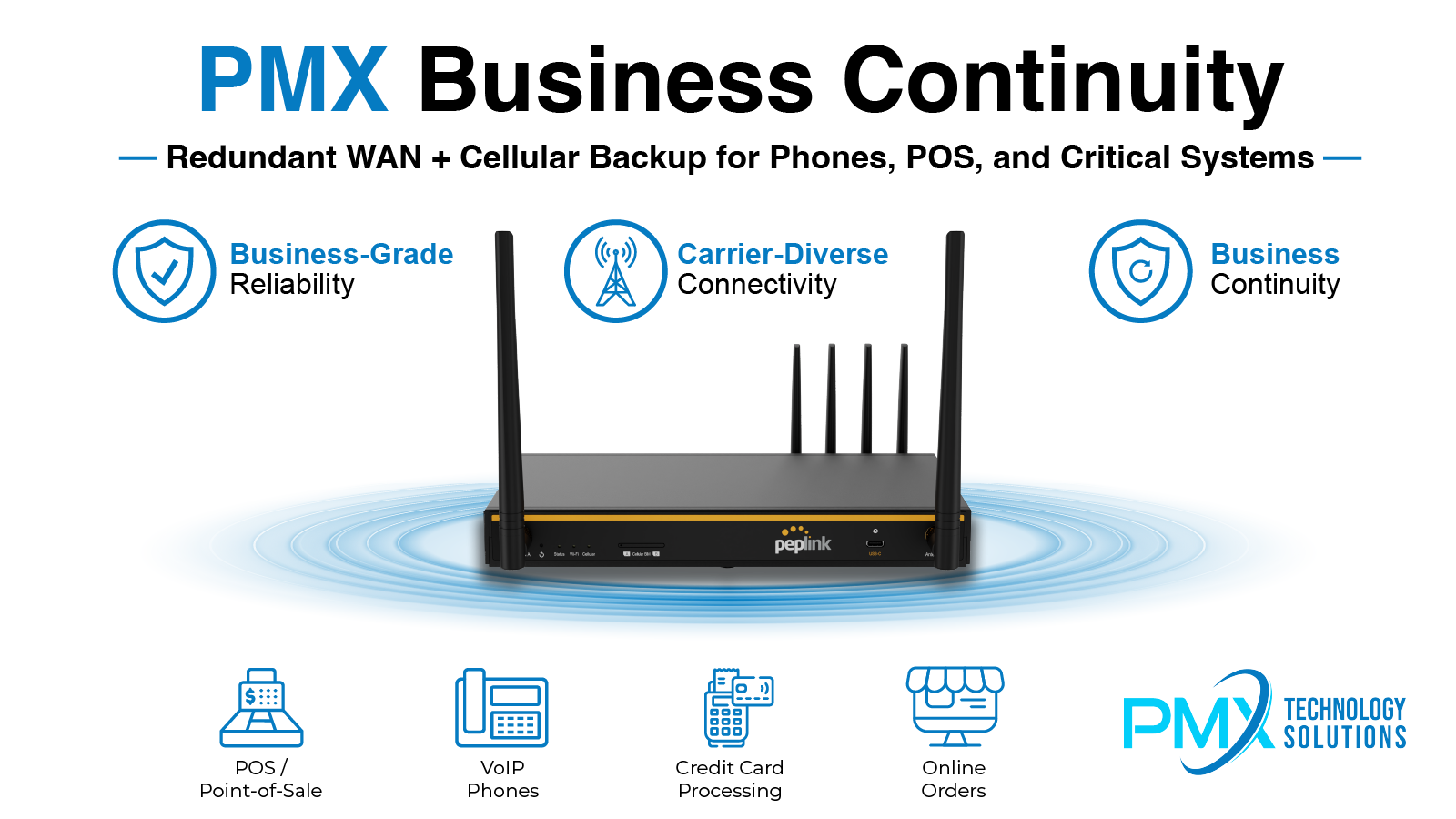
What we help with
Continuity Planning for Critical Connectivity
PMX helps organizations identify what must stay online, choose practical backup options, and configure failover so it works when needed.
Backup Internet Planning
Review of current internet service, critical systems, and backup connection options.
Cellular Failover
LTE or 5G backup internet options for offices, restaurants, parish spaces, events, and small businesses.
Automatic Failover
Configuration that switches traffic to a backup connection when the main internet fails.
SD-WAN & Multi-WAN
Support for multiple internet connections, traffic management, and improved reliability.
Phone System Continuity
Planning so cloud phone systems can continue working during internet interruptions.
POS & Payment Continuity
Support for restaurants, retail, and organizations that need payments to keep processing.
Event & Temporary Connectivity
Temporary internet and backup connectivity for events, festivals, outdoor setups, and short-term needs.
Monitoring & Support
Visibility into connection health, outages, failover events, and equipment status.
How failover works
How Internet Failover Works
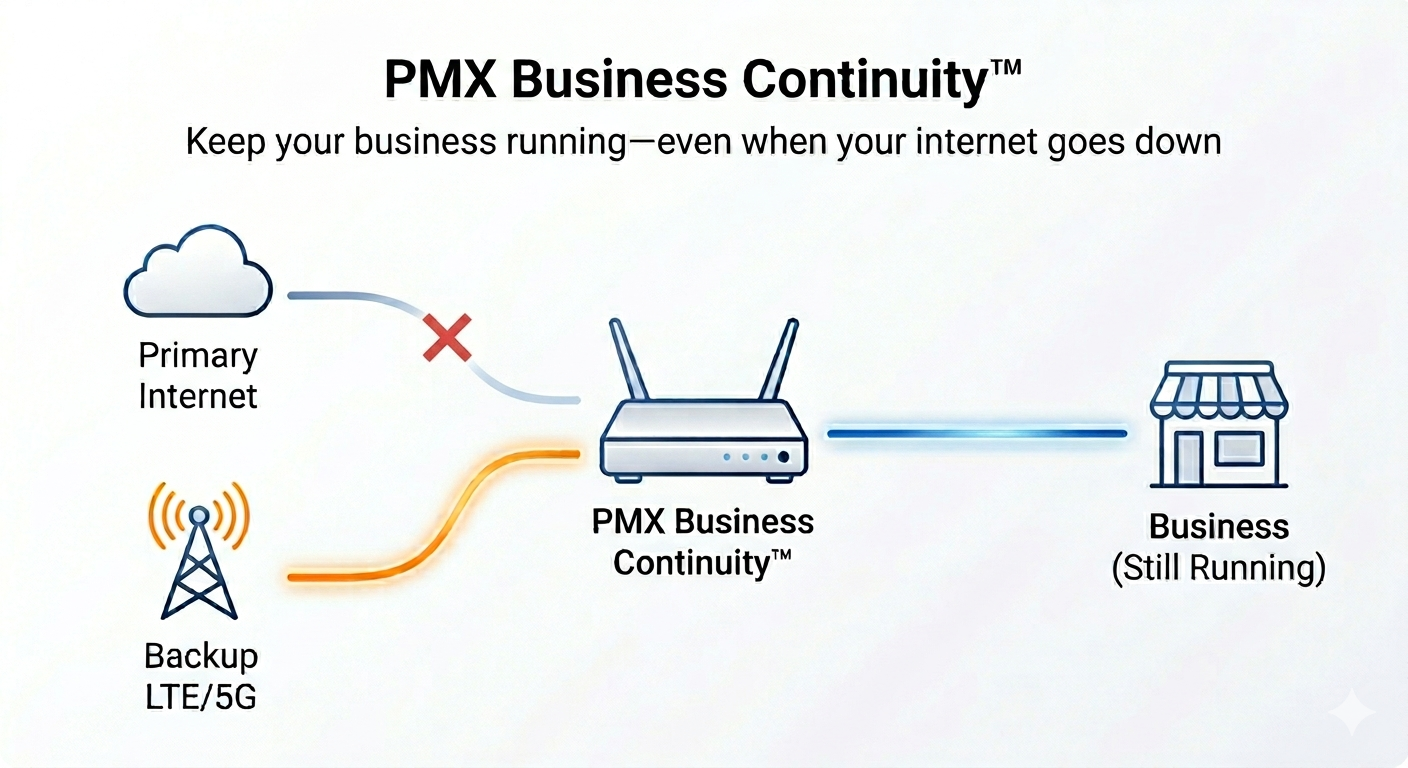
When the primary internet connection goes down, a properly configured failover solution can automatically switch critical traffic to a backup LTE, 5G, or secondary internet connection. This helps keep systems like phones, payments, cloud apps, cameras, and staff devices online.
Common problems
Common Continuity Problems We Help Solve
Connectivity issues can quickly affect phones, payments, staff devices, cameras, events, and cloud systems. PMX helps build a more resilient plan.
- Phones stop working when internet goes down
- Credit card processing or POS systems lose connectivity
- Staff cannot access cloud apps during outages
- Wi-Fi works, but there is no internet
- Backup internet exists but does not fail over automatically
- Events need temporary or backup connectivity
- Multiple internet connections are not configured properly
- No one is monitoring connection health
Churches, restaurants, offices & events
Continuity for Churches, Restaurants, Offices & Events
Parishes, restaurants, offices, retail spaces, and event teams all depend on reliable connectivity. PMX can help keep critical systems online for office work, communications, payments, livestreaming, security cameras, and events.
Planned correctly
Continuity Works Best When the Network Is Planned Correctly
Backup internet is most effective when the firewall, phones, Wi-Fi, network equipment, and critical systems are configured together. PMX can help design the full setup so failover is practical and dependable.
Partner technology
Powered by Peplink Technology
PMX uses Peplink solutions to help deliver reliable multi-WAN, cellular failover, SD-WAN, and business continuity options for organizations that need dependable connectivity.

Quote Request
Request a Business Continuity Review
Tell us what systems your business needs to keep online during an outage. PMX will review your location, internet setup, phone needs, POS/payment systems, Wi-Fi, cameras, and backup connectivity options.
Next step
Could your organization keep working during an internet outage?
PMX can review your current internet, phones, network, and critical systems to recommend a practical business continuity plan.
Internet & ISP Services
Need help reviewing internet service options?
PMX can also help your organization review available internet service options, compare provider solutions, and coordinate connectivity planning for offices, restaurants, churches, schools, retail spaces, and new locations.
Technology Review
Review the Systems Your Team Depends On
A PMX technology review can include email and Microsoft 365 / Google Workspace, backup and disaster recovery readiness, cybersecurity and phishing protection, network and Wi-Fi reliability, phone system and call routing, internet service and failover options, security cameras, staff support needs, vendor/admin access review, and practical technology recommendations.